Finding IIIF
This document explains how to find IIIF manifests and image responses at TAMU libraries.
Presentation API and Manifests
The IIIF Presentation API provides the information necessary to allow a rich, online viewing environment for compound digital objects to be presented to a human user, often in conjunction with the IIIF Image API.
This section describes where to find IIIF presentation manifests across our various platforms.
Avalon
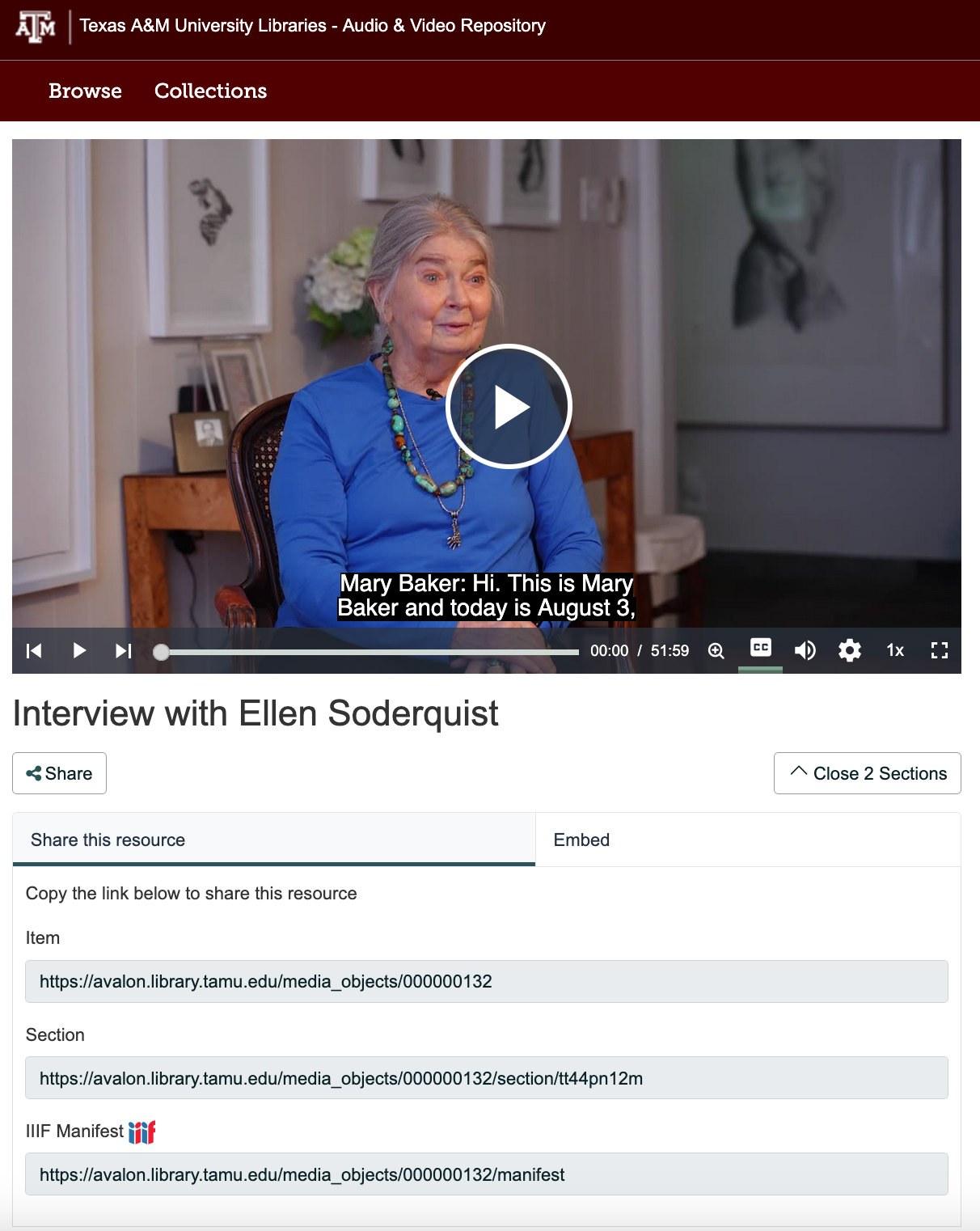
In Avalon, the manifest identifier can be found by clicking the Share button.
Spotlight
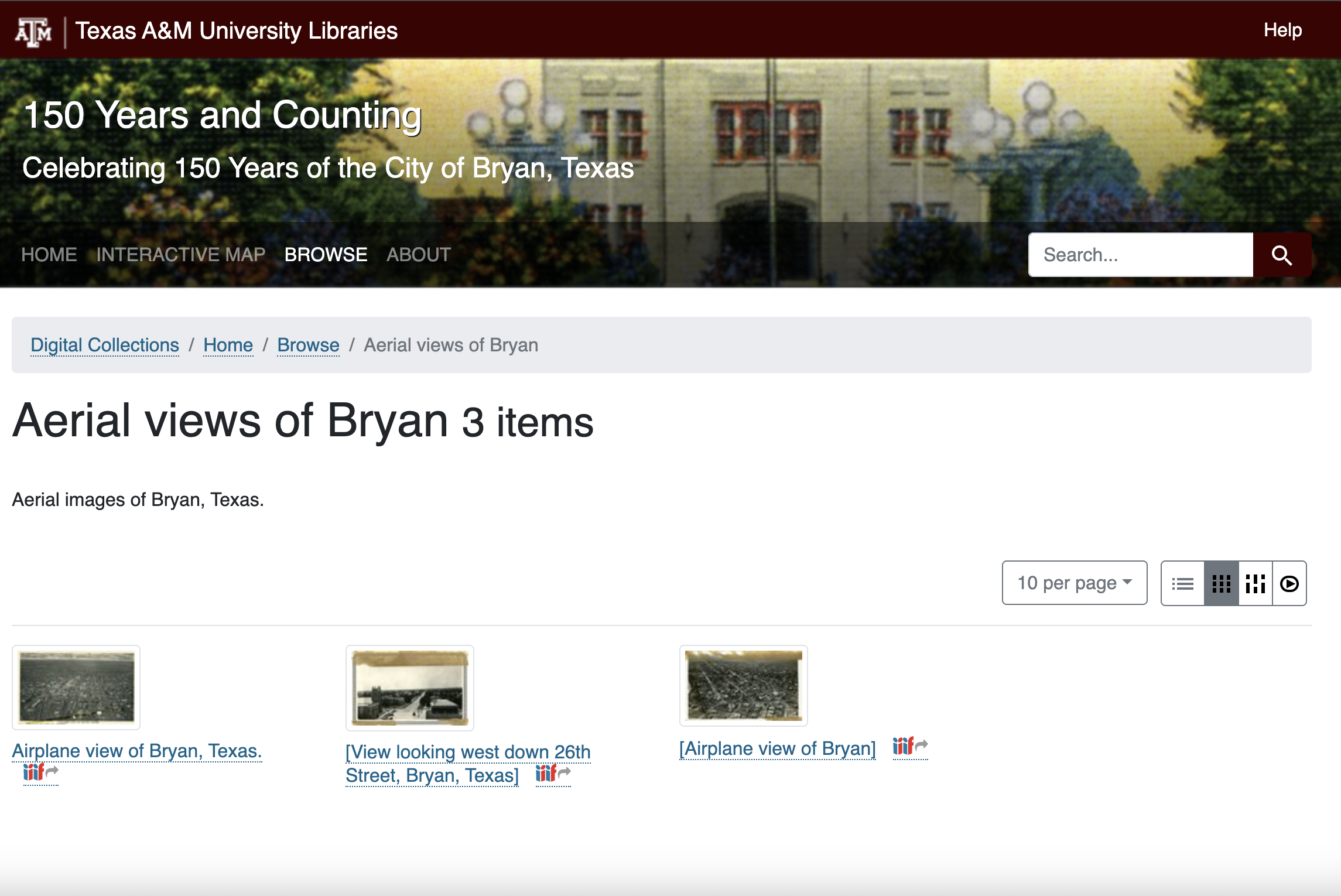
In Spotlight, the IIIF link is often clear from the browse page.
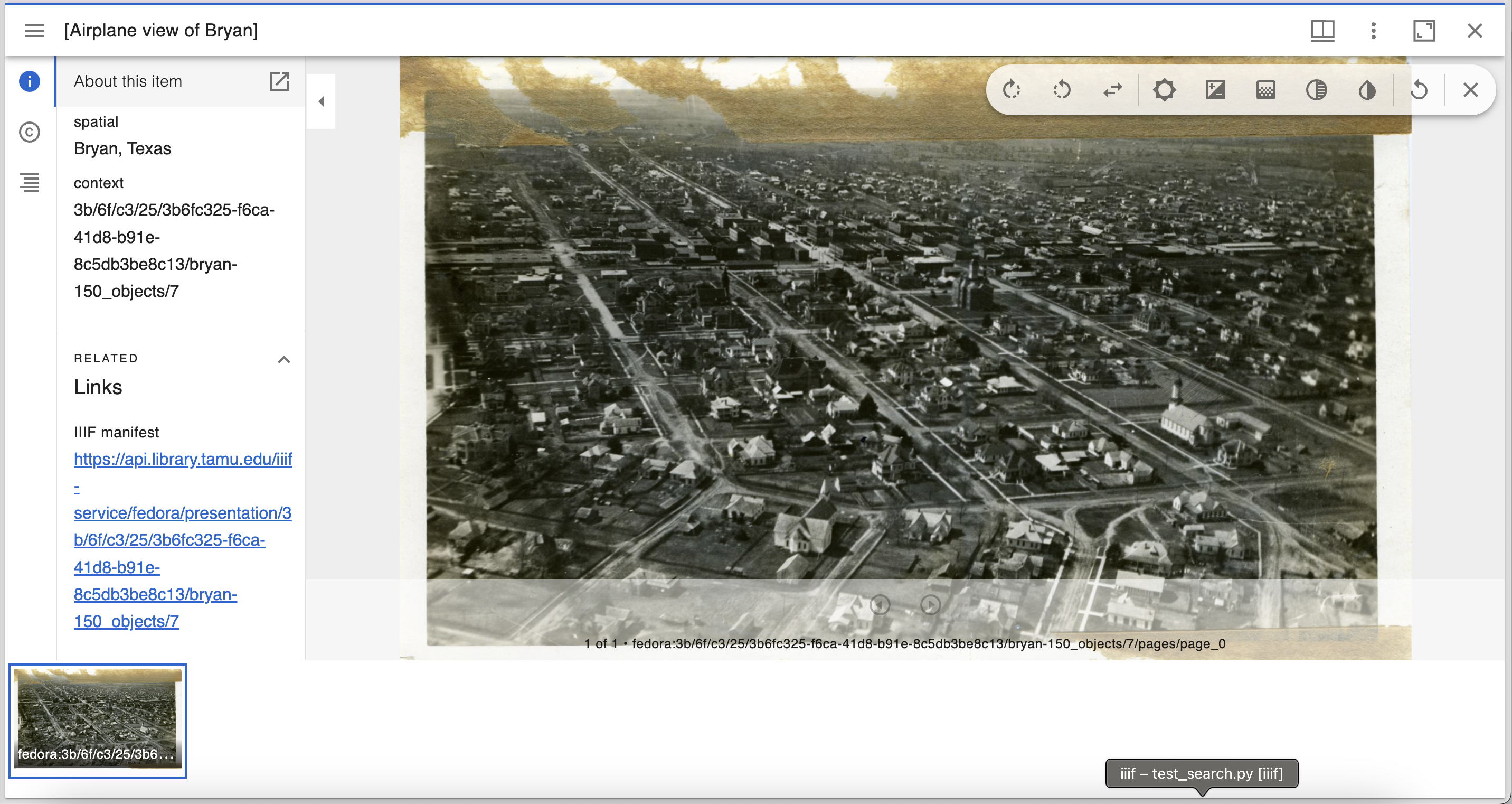
If it’s not, you can see the IIIF link inside the Mirador viewer like this:
SAGE
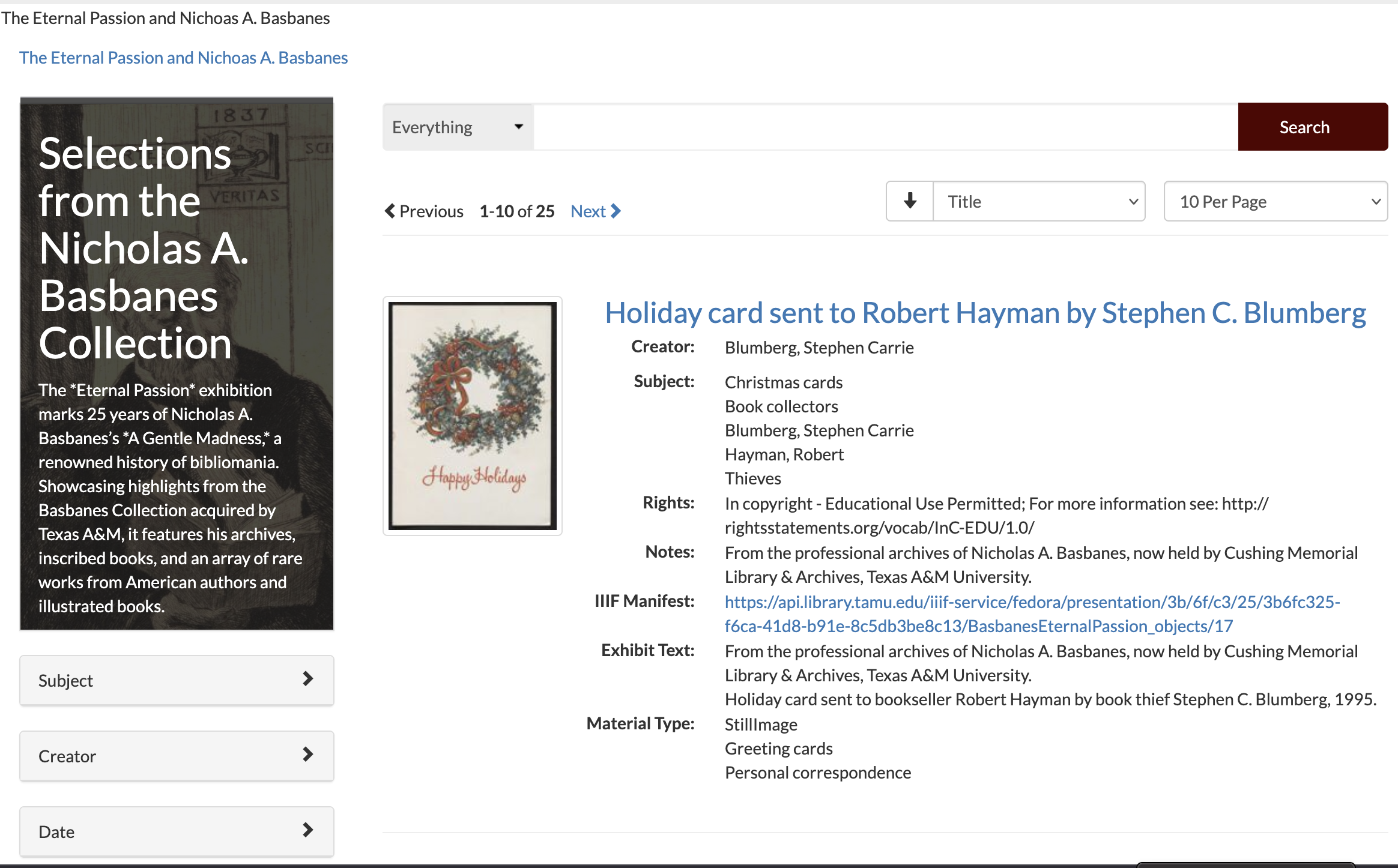
Similarly, in SAGE, you can see the manifest link in browse:
Or in the viewer itself:

OpenOni
While not publicized, all items in OpenOni are represented by a IIIF manifest. You can get a copy by add .json
to the end of the URL.
For instance, the Battalion is available as IIIF.
No IIIF
Internet Archive BookReader does not have IIIF.